🐉
Dragon Encounters
Face Fire, Ice and later Lightning dragon variants with distinct environments and attack styles.
A focused resource for understanding Ice And Fire Mod, checking version compatibility, preparing dependencies, and downloading the provided 1.18.2 source branch with fewer setup surprises.
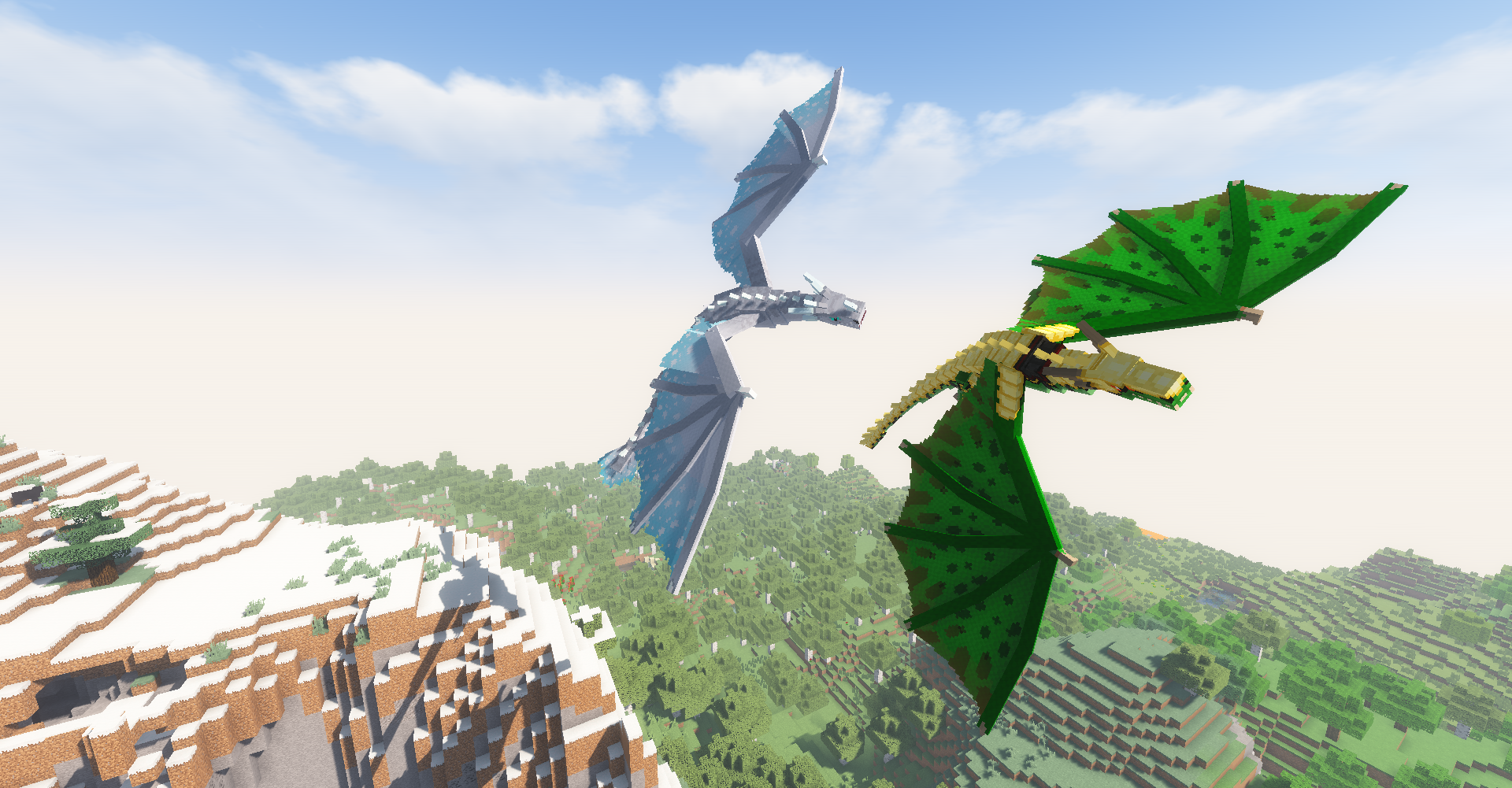
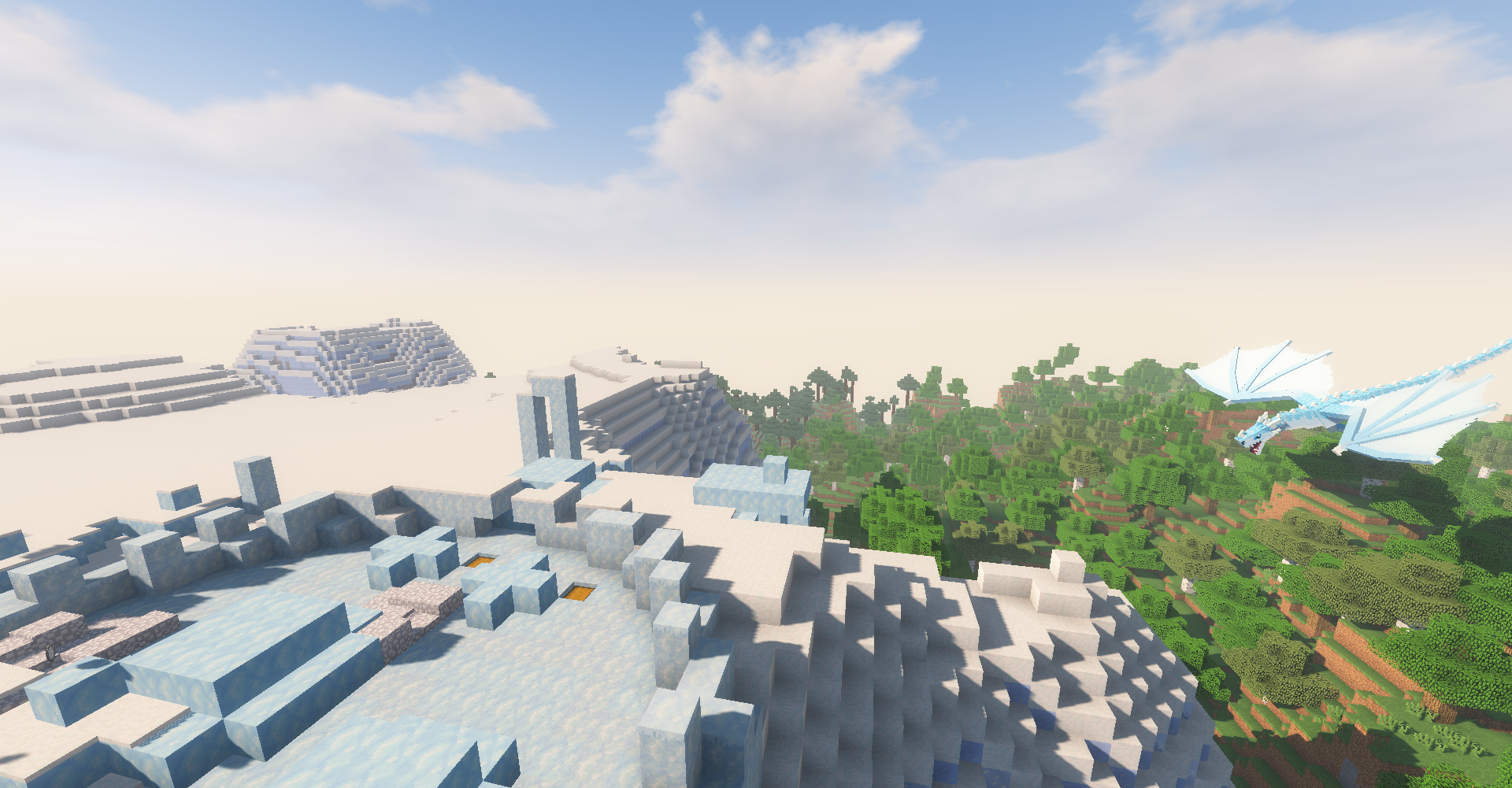
Ice And Fire Mod expands Minecraft Java Edition with large dragon encounters, creature ecosystems, discoverable structures, taming, riding, equipment and progression. Its identity is broader than a single mob pack: the experience is built around preparing for dangerous encounters, exploring for rare content and learning creature-specific mechanics.
Find roosts and caves, encounter powerful dragons, collect materials and work toward taming or advanced gear.
The project has added many creatures over time, so exact content depends on the release you choose.
Loader, Minecraft version and dependencies need to match. Treat original and community-maintained lines as separate projects.
The experience combines combat, exploration, collecting and creature systems rather than relying on a single feature.
Face Fire, Ice and later Lightning dragon variants with distinct environments and attack styles.
Explore surface and underground dragon locations where danger and valuable rewards intersect.
Progress from dangerous encounters toward dragon eggs, taming and riding mechanics.
Meet hippogryphs, cyclopes, sirens, sea creatures, trolls, hydras and other version-dependent mobs.
Craft creature-themed weapons, armor and materials that extend survival and combat progression.
Use the Bestiary as an in-game way to understand creatures and mechanics as your world develops.
Start with the exact game version you intend to play. A 1.18.2 build is not interchangeable with a 1.20.1 or 1.21.1 project line.
Confirm whether that file expects Forge, NeoForge or another loader. Community Edition support can differ from the original project.
Check required libraries for the exact release. Modern original builds often require Citadel, while add-ons can require additional mods.
Back up your world, test a clean launch, then add other mods gradually if you are building a larger modpack.
The safest install is the one where Minecraft, loader, Ice and Fire build and required dependencies all belong to the same supported combination.
| Project / Path | Typical Use | Important Note |
|---|---|---|
| Original Ice and Fire | Established Java releases such as Forge-based 1.18.2 | Use release-specific dependencies and files. |
| Community Edition | Newer Minecraft versions, including 1.21.1 paths | Separate community-maintained project; loader support varies by release. |
| Ice and Fire: Spellbooks | Compatibility with Iron’s Spells ’n Spellbooks | Separate add-on with its own requirements and supported versions. |
| Bedrock claims | Third-party adaptations or unrelated projects | Do not assume a Bedrock file is the original Java mod. |
mods folder.1.18.2 branch ZIP. That archive is source code and is mainly useful
to developers; regular players generally need a compiled release file.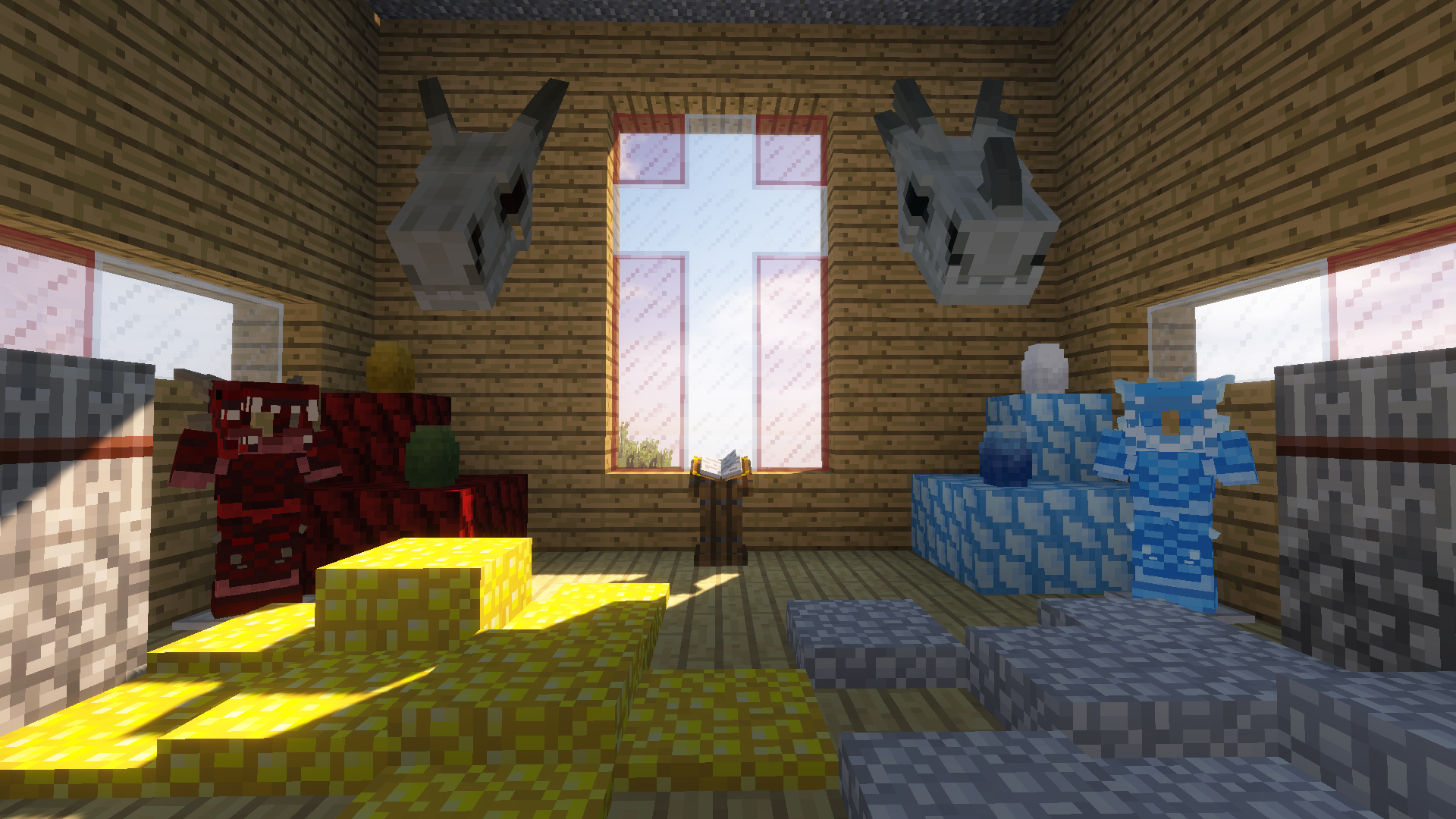
This button uses the download URL supplied for this project: the original repository’s 1.18.2 branch archive. Check whether you need source code or a compiled mod file before using it.
Download Ice And Fire ModUse version-specific files from trusted project pages. A familiar mod name does not guarantee that an arbitrary ZIP or JAR matches the original project. Check the filename, Minecraft version, loader, dependencies and whether the download is source code or a compiled build. Back up worlds before changing major content mods.
The original project’s public release history includes a stable 1.18.2 Forge release line and beta builds for later Java versions. Separately, IceAndFire Community Edition provides newer-version builds, including 1.21.1 NeoForge releases. These are different project lines, so always identify which one a guide or file refers to.
Download NowExact game version must be supported.
Forge and NeoForge are not interchangeable labels.
Use the matching dependency versions for that release.
Check the loader, Minecraft version and required dependencies first. Remove duplicate or wrong-version mod files.
Test unexplored chunks and confirm world-generation settings. Content will not retroactively populate already-generated terrain.
Reproduce the problem with only required mods, then re-add other mods in small groups until the conflict becomes clear.
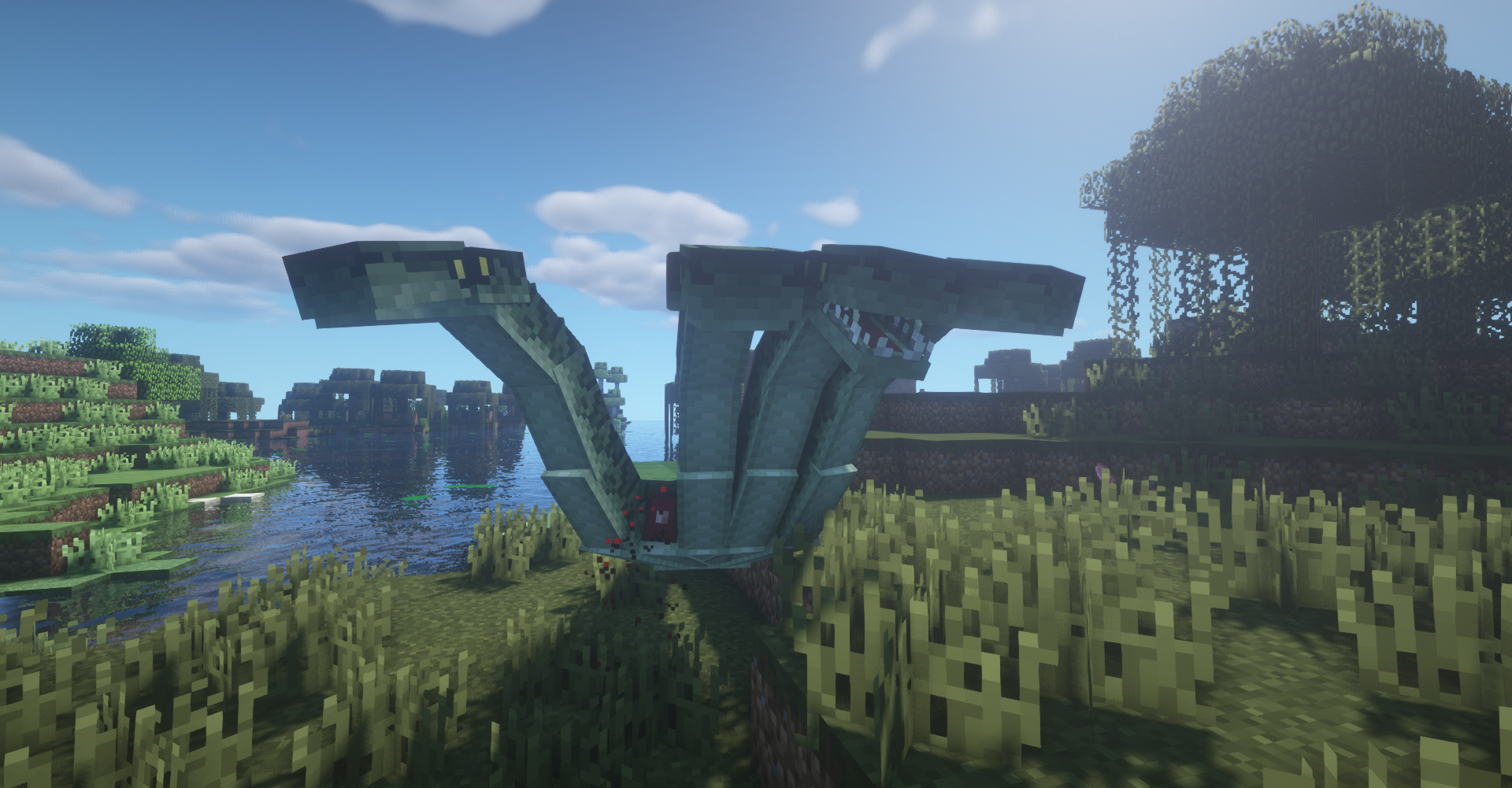
A practical guide to the mod’s signature dragons, mythical mobs, structures, equipment and exploration systems.
Read Guide →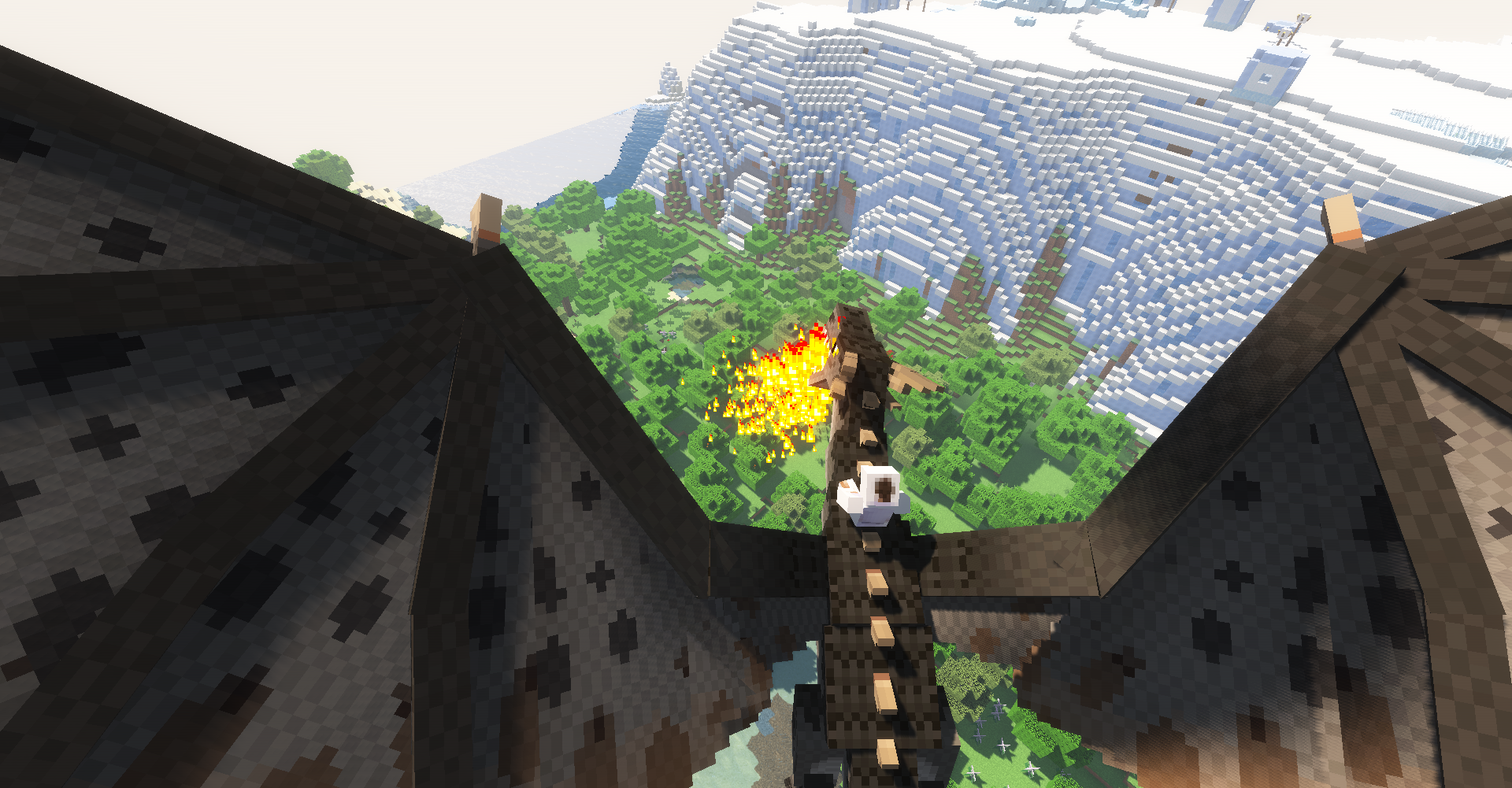
Step-by-step setup guidance for Minecraft Java Edition 1.18.2, Forge, dependencies and a clean first launch.
Read Guide →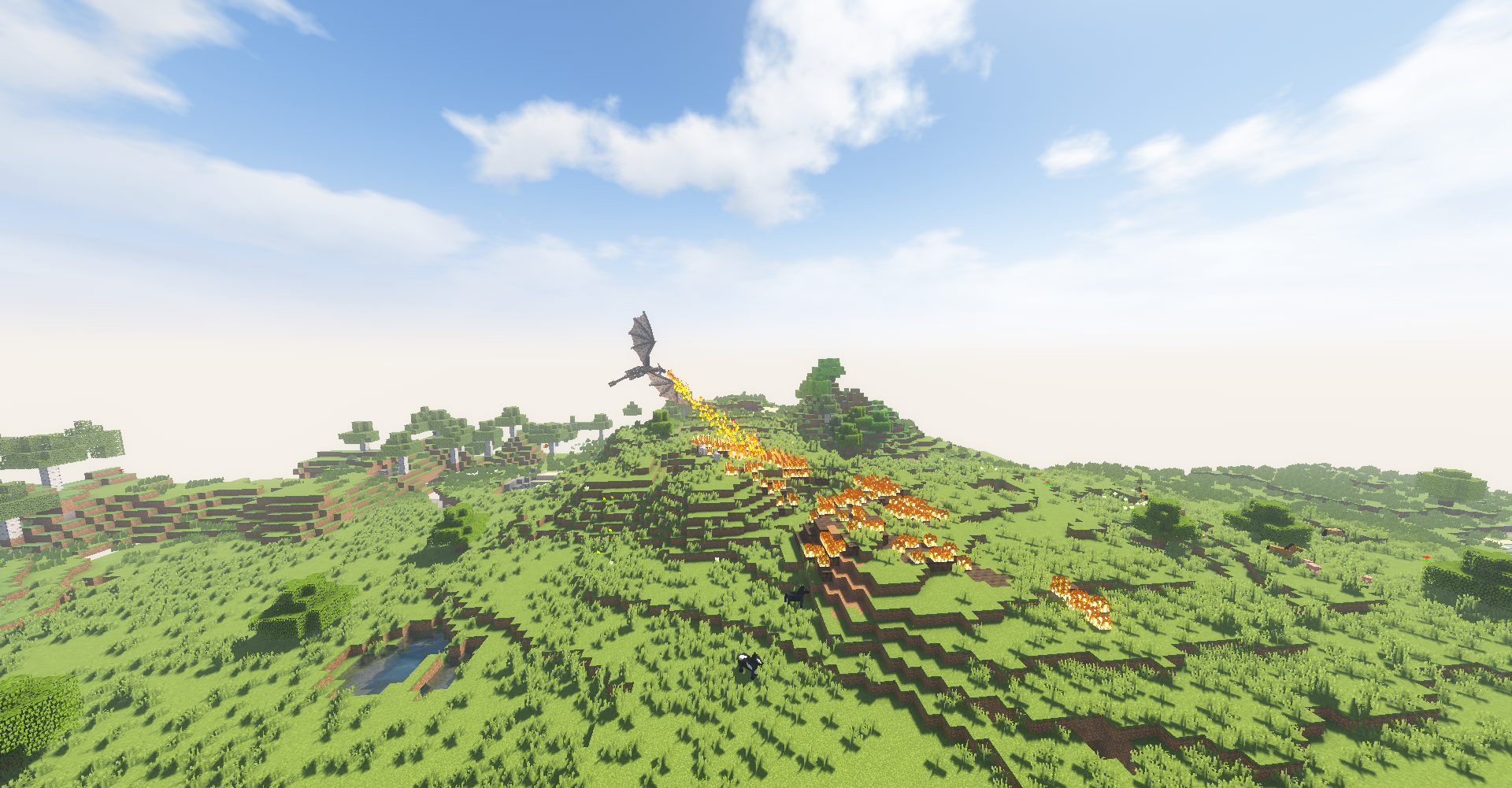
Learn how the original project differs from newer community ports and why loader/version matching matters.
Read Guide →Twenty focused answers split between features and installation/compatibility.
It is a Minecraft Java Edition mod centered on dragons and other mythical creatures, with exploration, combat, taming, structures, equipment and progression systems.
Yes. Depending on version, the project includes creatures such as hippogryphs, cyclopes, sirens, hippocampi, death worms, cockatrices, trolls, myrmex, amphitheres, sea serpents, hydras and more.
The mod includes dragon eggs, taming and riding systems. Exact controls and behavior can vary by release, so match any guide to the version you are actually using.
They are the mod’s major dragon types. Fire dragons use fire attacks, Ice dragons are associated with cold regions and freezing attacks, and later 2.x releases introduced Lightning dragons.
Yes. Dragon roosts, underground caverns and other creature-related structures are important parts of exploration and progression.
The Bestiary acts as an in-game information system for learning about creatures and mechanics as you progress.
The original Ice and Fire project is a Java Edition mod. Files advertised as Bedrock downloads are separate third-party projects or adaptations and should not be assumed to be the original mod.
It is a separate community-maintained version that targets newer Minecraft releases and multiple loaders. Treat it as a distinct project rather than silently mixing its files with the original branch.
It is a separate compatibility add-on that connects Ice and Fire content with Iron’s Spells ’n Spellbooks. It has its own dependencies and supported versions.
Searches for “Ice and Fire 2” often refer to the 2.x version series rather than a separately branded sequel. Verify the exact file name, Minecraft version and project page before downloading.
The provided main download points to the original GitHub 1.18.2 branch archive. It is source code, not a ready-to-drop mod JAR, so most players should use a published build that matches their setup.
Original Ice and Fire releases commonly use Forge. Newer community-maintained builds may use NeoForge, Forge or Fabric depending on the exact version. Never assume loaders are interchangeable.
Many modern releases require Citadel. Dependency requirements vary by Minecraft and mod version, so verify the requirements for the exact file you install.
You can, but new world-generation content may only appear in unexplored chunks. Back up important worlds before adding or removing major content mods.
Common causes are loader mismatch, wrong Minecraft version, missing or incompatible dependencies, duplicate mods, or another mod conflict. Start by checking the first relevant error in the log.
Confirm world-generation settings, the correct mod version, required dependencies and that you are exploring new chunks. Existing explored terrain will not regenerate automatically.
Yes, but server and clients generally need matching Minecraft, loader, mod and dependency versions. Back up the server before major changes.
Do not treat them as drop-in companions. They represent different project lines and can overlap in content or identifiers. Follow the instructions for the specific project/version you choose.
Back up the world, read the release notes, confirm loader/dependency requirements, remove the old file if required, then test the update on a copy before committing your main world.
Start with Minecraft version, mod loader, dependency versions and the crash log. Then test with only the required mods before reintroducing the rest of your modpack.